
Installation Guide

Installation Guide

Good installations start with the right information. Tell us which product you are installing and where, and our team will share the installation guidance available for your configuration.

Installation by product

Choose what you are installing

The general installation flow, tools and the most common problems for each product family. Always follow the datasheet and manual for your exact model, and ask us for them if you do not have them.

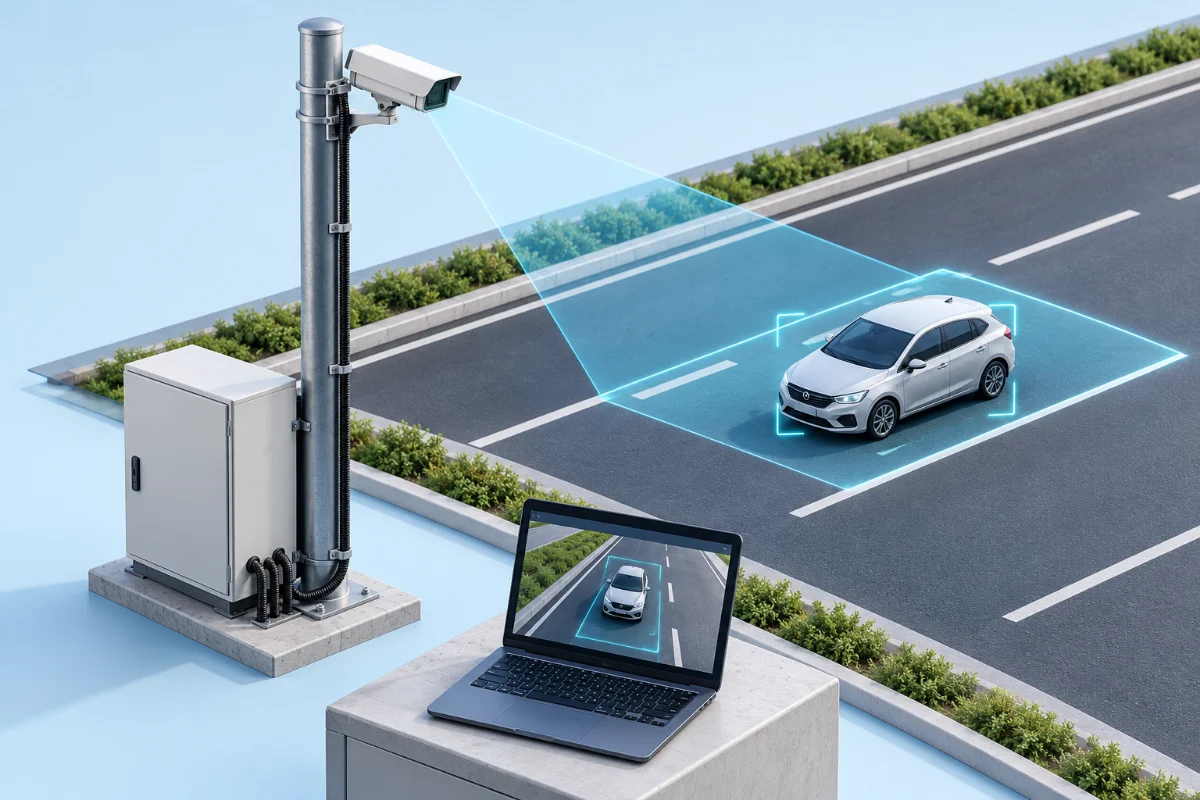
Illustrated pole-mounted traffic camera overlooking a lane, with a protected cabinet and laptop showing the detection area.

Setup at a glance

Smart & traffic cameras

Camera position, protected connections and a clear detection area work together.

  • Mounting and coverage

    Identify the pole or bracket location and the lane the camera needs to see.

  • Protected connections

    Plan weatherproof cable routing, power and network access.

  • Image and detection check

    Use the live preview to confirm the view and configure detection zones.

Illustrative setup. Equipment and layout vary by model and site; follow your product manual.

Installation steps

  1. 01

    Survey the site

    Check mounting height, viewing angle to the lane, line of sight, lighting and glare against the datasheet recommendations.

  2. 02

    Install the mounting structure

    Fix the pole, gantry arm or bracket securely and confirm it is stable and free of vibration.

  3. 03

    Mount and aim the camera

    Secure the camera, set the rough angle and tilt, and protect all cable entries against water.

  4. 04

    Connect power and network

    Use the specified cables, add surge protection and grounding, and confirm the camera powers up and gets a network link.

  5. 05

    Configure and calibrate

    Set the IP address, time synchronisation and detection zones, then test with live traffic and fine tune the angle.

  6. 06

    Verify and hand over

    Check image quality day and night, confirm recording or data delivery, and document the final settings.

Troubleshooting

Common problems with smart & traffic cameras and how to solve them

Camera has no image or is offline

Likely cause
Power or network cable fault, switch port or PoE budget issue, or an IP address conflict.
How to solve it
Check connectors and cable with a tester, try another switch port, confirm the supply and make sure the IP address is unique.
Poor recognition or missed detections

Likely cause
Camera height or angle outside the recommended range, glare, or a dirty lens.
How to solve it
Re-aim the camera to the datasheet guidance, shade or adjust for glare, clean the lens and recalibrate the detection zone.

Camera drops off intermittently

Likely cause
Water in a connector, a loose connection or an unstable power supply.
How to solve it
Reseal and dry the connectors, reseat the cables and check the supply voltage under load.

Wrong date or time on events

Likely cause
Time synchronisation is not configured.
How to solve it
Set the time zone and enable time synchronisation with a reachable time server.

Safety first

  • Installation and electrical work must be done by qualified personnel.
  • Isolate and lock out all power sources before working on equipment.
  • Follow local regulations and the product documentation for your model.
  • Use protective equipment and fall protection when working at height.
  • Never bypass protection devices or energise a system before all checks are complete.
  • If a fault involves heat, smoke or damage, stop and contact us before continuing.

Problem not listed?

Ask our team
Installation Guide

Get the right installation guidance

Tell us the product and your site details. We will share the installation guidance available for your setup.

Send a message for installation guide

We usually reply within one business day.

Your details stay private

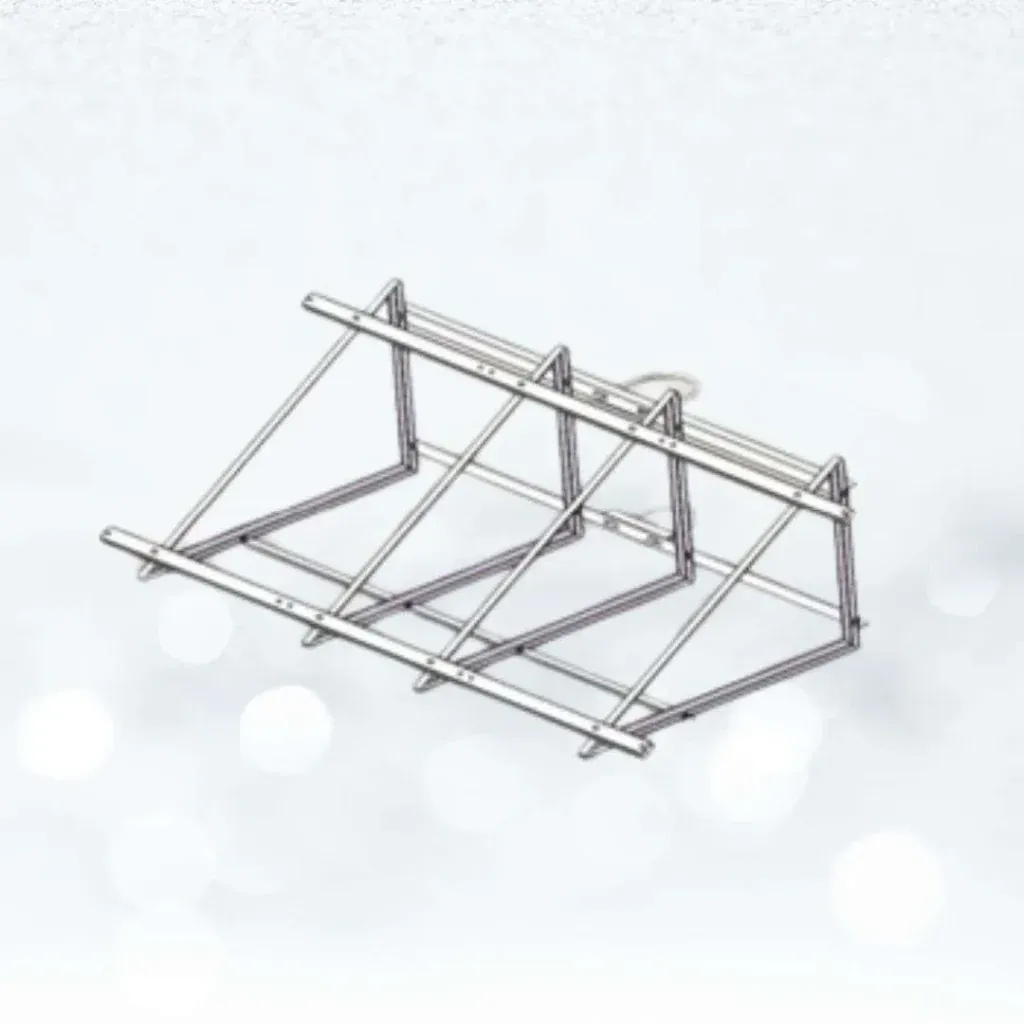
Customizable solar mounting structure for solar panel installation.

From request to commissioning

  1. 01

    Tell us what you are installing

    Share the product model, quantity and application.

  2. 02

    Describe the site

    Location, mounting surface, power supply and network conditions.

  3. 03

    Receive guidance

    We send the relevant installation guidance and flag anything specific to your site.

  4. 04

    Install and commission

    Complete the installation and commission the system, with our team available to discuss questions.

Common questions

Frequently asked questions

Contact our team with your product model and order reference. We will share the installation guidance available for your product.